Start with one ordinary enquiry
A form field labelled date looks simple until one team means the ceremony date, another means the first setup date and an automation treats the value as a confirmed booking. This original WeddingSaaS operations guide proposes a fictional-data review for wedding businesses. It is not a tested feature of WeddingSaaS or another product, and it does not report a new software announcement.
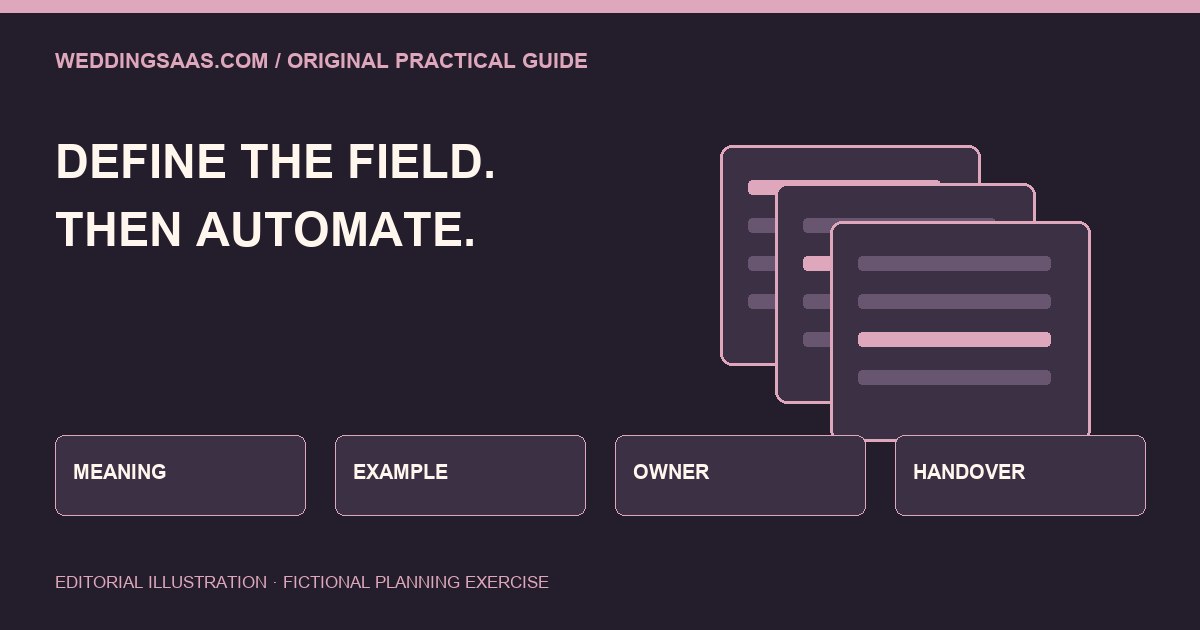
Write down what the answer means
Choose five fields that influence the next decision: event date, location, service requested, guest estimate and preferred contact route. For each, write a plain definition and a sample answer. Decide whether an approximate answer is allowed and how uncertainty is represented. A blank field, an unknown answer and a refusal to provide information are different states; silently turning them all into a default can distort the brief.
Separate interest from commitment
A preferred date is not necessarily an accepted appointment. An estimated guest count is not necessarily a final catering count. Put these distinctions into field names or nearby explanation where the reader needs them. Then check how the same information is labelled in the staff view, email notification and any exported record. Consistency helps the business avoid promising more than the customer has asked for or the team has accepted.
Trace one answer through the handover
Invent a sample enquiry with a tentative date and two possible locations. Follow it manually from the public form into the next person’s working record. Ask what context survives and what gets compressed into a short label. This exercise should use sample data, not private client records. Do not change live integrations until their owner has reviewed the effect on existing workflows and permissions.
Decide who can correct the record
A data dictionary needs an owner. Assign a person who can review ambiguous answers and document a correction without deleting the history of what the enquirer actually sent. The appropriate method depends on the system and the business process. Confirm available functionality instead of assuming every platform supports an audit trail, custom statuses or reversible edits.
Keep the form proportionate
Ask what decision each question supports. If a field does not help the next stage, consider collecting it later through an agreed channel. A production brief may need location context; it does not automatically need identity documents, private family details or unrelated financial information. This is an operational design exercise, not a declaration that a particular form meets every jurisdiction’s privacy rules.
Test wording with a second reader
Give the sample form to someone who did not build it. Ask them to explain what will happen after submission and which answers are provisional. Then give the resulting staff record to a different reader and compare interpretations. Note the exact labels that caused disagreement. Fixing one misleading field name can be more useful than adding another automation around it.
Use the dictionary when publishing your promise
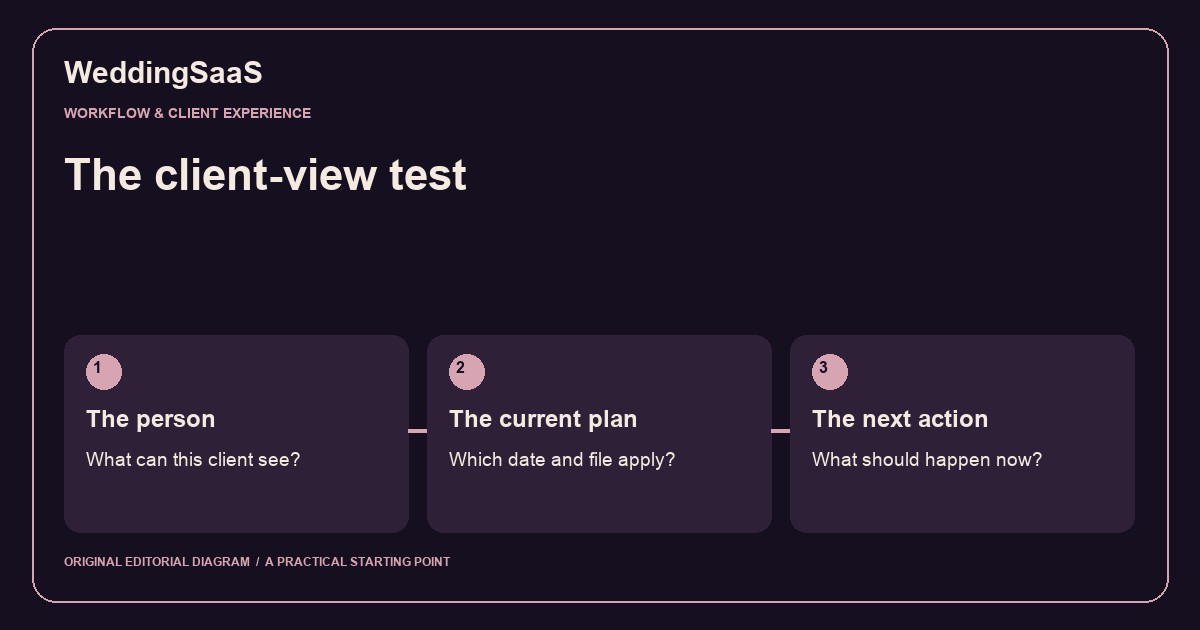
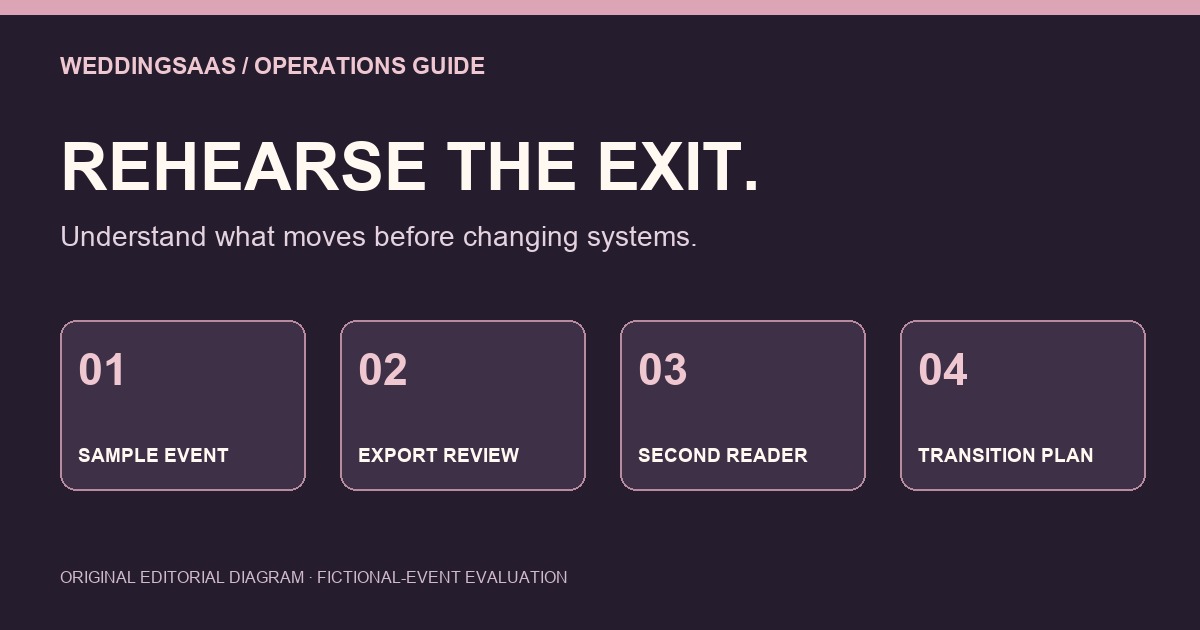
From the IAM business perspective, the public promise and the internal field meanings should agree. If the website says request a consultation, the confirmation message should not announce a booked appointment unless a booking has actually been accepted. Keep a short change log for field definitions and review downstream messages after each meaningful edit. For a wider evaluation exercise, read our client-view workflow test; for moving records between products, use the separate export-rehearsal guide.
Related original guides: The Client-View Test: Before You Automate the Next Wedding Message and Before you move wedding software, rehearse one event’s exit. These are proposed evaluation exercises, not verified software capabilities.
References
- Original WeddingSaaS editorial operations exercise, not an external announcement or tested product feature.
- Related original evaluation guide. Software export rehearsal