A changed number is only part of the story
A couple asks to add an extra hour, a team member revises a total, and another person sees a different figure in an email thread. The problem is not simply arithmetic: the business needs to know what changed, who could agree it and which version is current. This original WeddingSaaS operations guide uses a fictional scenario; it is not accounting, legal or tax advice and describes no verified product feature.
Record the request before the revision
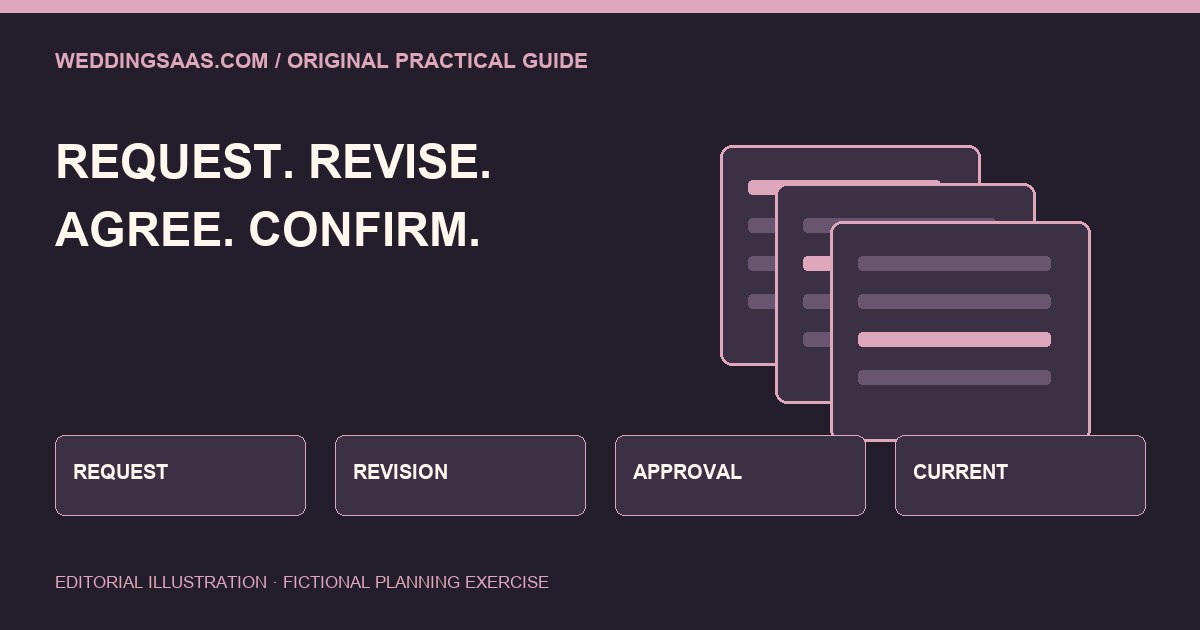
Start with the change being requested in ordinary language. Identify the original service scope, the proposed addition or removal, who made the request and when. Keep a request distinct from acceptance. A note asking whether an additional hour is possible should not silently become an instruction to staff or a revised invoice that appears already agreed.
Find the person authorised to respond
The person answering a message may not be authorised to change commercial terms. Agree an internal route for reviewing scope, scheduling and price, and check who can accept the revised arrangement on the client side. Do not infer authority from a shared surname or someone’s presence in a group chat. The applicable agreement and the parties involved determine how a change should be handled.
Show the difference between versions
A useful record identifies the previous version, the proposed version and the plain-language difference. Include the effect on the work as well as the amount: additional coverage, a different deliverable, or a changed collection requirement. Keep the method proportionate to the job. Where tax, payment timing or contract terms need review, refer those questions to the responsible professional rather than filling gaps with an automated guess.
Keep approval and payment as separate states
A scope change can be approved while payment is still pending; a payment can arrive before the team has resolved an unrelated scheduling question. Label the states accurately in the workflow. Before relying on a platform, check its documented statuses and test them with fictional data. This article does not assert that a particular product supports separate approvals, version history or payment reconciliation.
Send a complete confirmation to the right people
Once the appropriate parties agree the change, send a concise confirmation of what is current, what it replaces and what remains unresolved. Give the people delivering the work the operational information they need. They may not need the full financial correspondence. Avoid forwarding private details widely simply because an email thread already contains everyone’s address.
Rehearse the disputed-version question
Create a fictional original invoice and a sample revision. Ask a colleague to identify which is current, whether the revision was accepted and what work should happen next. If the answer requires interpreting a trail of vague messages, improve the record before adding automatic reminders or generation. Preserve the source material under the business’s established access and retention arrangements.
Make clarity part of the customer experience
IAM’s practical view is that a reliable change process is part of branding. Customers should understand what they are agreeing to, and staff should not need to improvise a promise from an incomplete note. Choose one workflow owner, define the approval step and test the confirmation wording. The aim is a clear handover, not a claim that software can replace judgment. Our enquiry-field dictionary covers the earlier stage: making sure the first request is represented accurately.
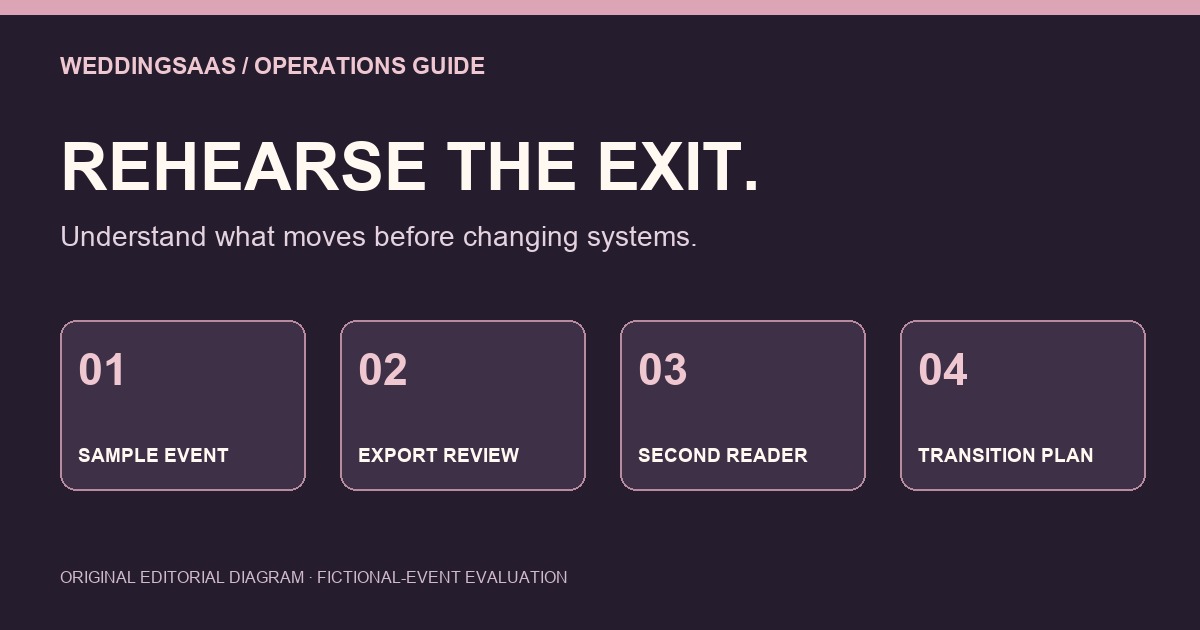
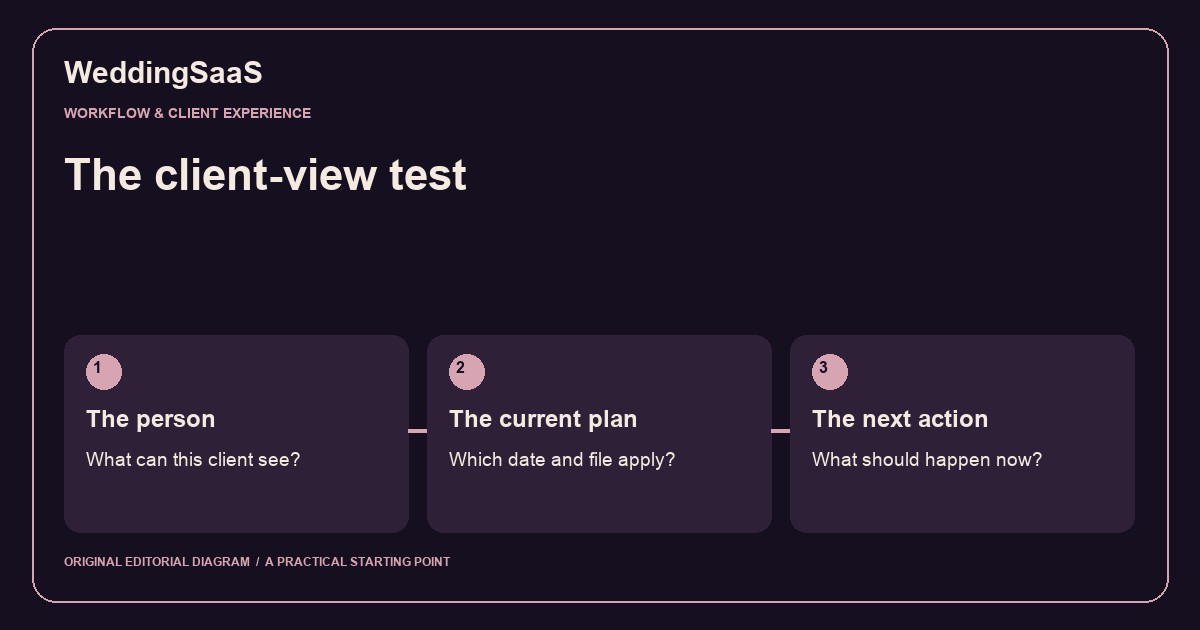
Related original guides: The Client-View Test: Before You Automate the Next Wedding Message and Before you move wedding software, rehearse one event’s exit. These are proposed evaluation exercises, not verified software capabilities.
References
- Original WeddingSaaS editorial operations exercise, not an external announcement or tested product feature.
- Related original evaluation guide. Software export rehearsal