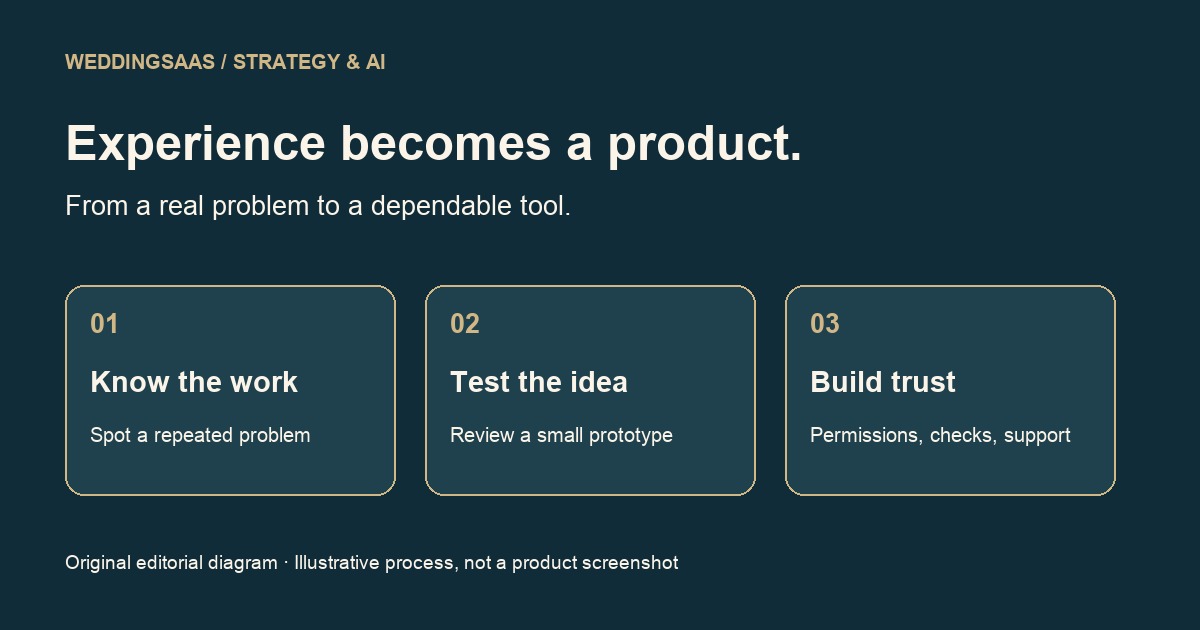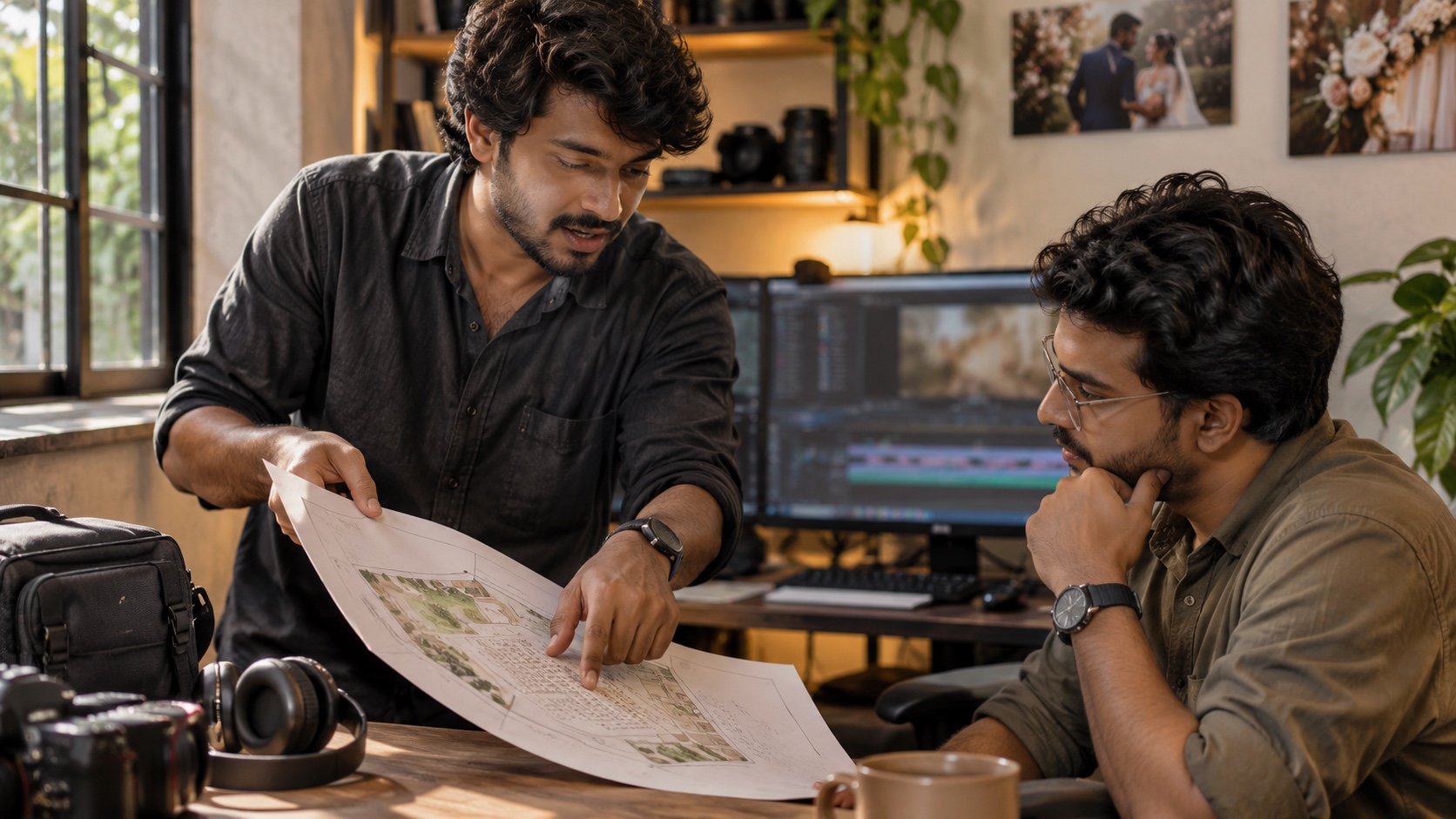
Camera automation changes a small wedding crew's work most usefully when it changes a specific task. It may hold a composition while an operator checks sound, or give an editor a controlled alternate view of a speaker. It does not tell the team which promise in the ceremony matters to the couple, whether a parent is about to speak from the back of the room, or who has responsibility when an unattended camera stops recording. Those are workflow questions, and they are where wedding technology businesses should concentrate their attention.
Sony's FX2 is a useful case study because its Auto Framing feature makes that distinction visible. The camera was announced on May 28, 2025. This is a current use-case analysis of an established product, rather than a new-product announcement or a hands-on review. Sony documents automatic composition around a recognized subject through an image crop. The interesting software opportunity begins around that capability: planning its assignment, recording its limitations and ensuring that someone remains accountable for the material it produces.
For a studio owner, the practical question is not whether an automated camera sounds impressive in a proposal. It is whether the business can reliably explain what it adds, what still needs an operator and how the finished film will be checked. A useful system turns those answers into clear production decisions. A weak system hides them behind an AI checkbox and leaves the crew to discover the ambiguity during the vows.
Start with the job the camera has actually been given
Consider an explicitly hypothetical two-person crew covering a ceremony and reception. One filmmaker follows the couple. The other handles a second angle, sound checks and transitions between locations. A fixed camera has a narrow assignment: provide a useful view of the person delivering a reading. That assignment is different from covering every reaction in the room. Writing it down prevents the camera count from becoming a misleading substitute for a coverage plan.
The planning record should identify the intended subject, where the camera can see that subject, the person who sets it up and the person who checks it before the reading starts. It should also name the ordinary view that protects the sequence if the automated view is unusable. This is original editorial advice, not a claim that Sony supplies a wedding planning system or that a particular combination has been tested by this publication.
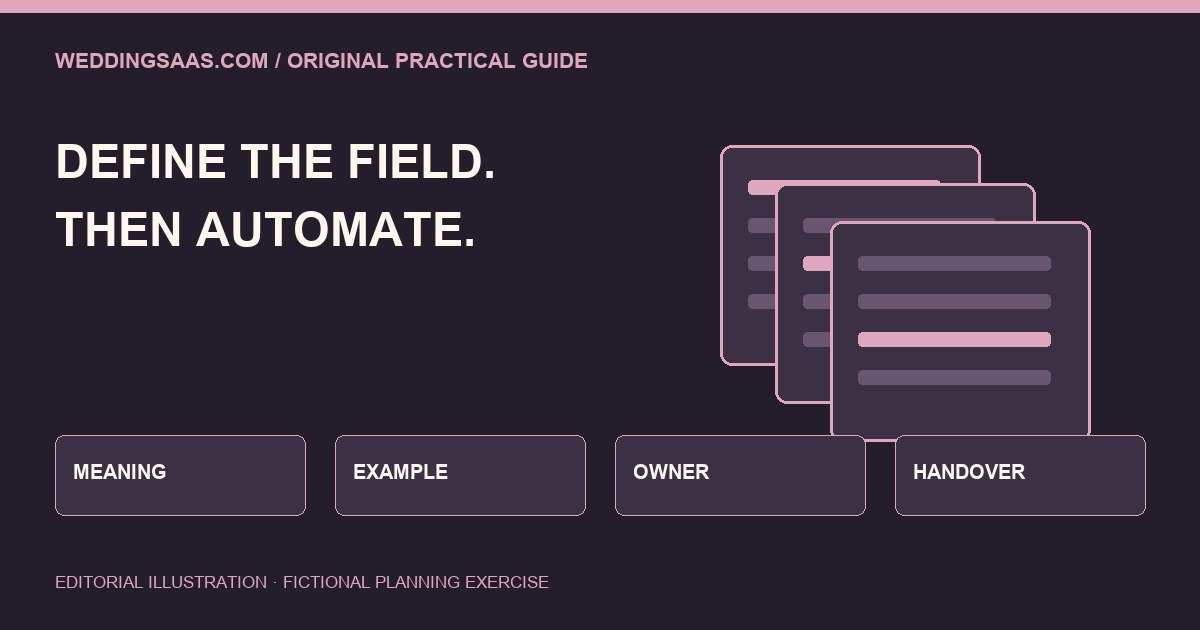
A software product could represent those decisions as fields in the existing job record, rather than as another disconnected document. The relationship matters more than the number of fields: a shot belongs to a moment, a camera position belongs to a venue plan, and responsibility belongs to a named person. If the ceremony moves indoors, the system should show which assignments need reconsideration. It should not quietly treat the original outdoor plan as still approved.
Model capability and coverage as different things
Equipment capability is relatively stable information: a model has a documented function with stated conditions. Coverage is a promise made for a particular event under particular circumstances. Conflating the two encourages a dangerous shortcut. A studio can own an impressive camera and still have an obstructed view, an unavailable operator or no agreed audio plan. Conversely, a modest setup can produce thoughtful coverage when responsibilities and expectations are clear.
For founders building wedding software, that suggests two separate records. The equipment record can link to the manufacturer's current documentation and the studio's own verified configuration notes. The event record can describe what the team intends to capture and what the client has requested. A product should allow a producer to decline an unsuitable equipment suggestion without losing the underlying coverage requirement. The requirement survives even when the proposed tool changes.
An interface that merely asks whether AI is enabled tells a coordinator very little. A more useful interface asks which moment has been assigned, whether the position has been checked and what backup remains available. It should make uncertainty easy to record. A team that has not tested a venue position needs a visible unresolved item, not an automatic green status produced by selecting a camera model from a dropdown.
Treat the output as a separate production decision
Sony's help guide distinguishes recording or streaming output from HDMI output, with crop choices for each. That is a small technical distinction with substantial workflow consequences. A producer should establish which output is intended for the finished film, monitoring or a separate recording path. The editor should receive an accurate description of the files actually delivered, rather than infer the setup from the camera name.
The record does not need to become a dense engineering form for every wedding. A short assignment note can identify the camera, intended output, destination and person who confirmed it. More complex productions may need additional configuration details. The useful design principle is progressive detail: show the crew what they need at the moment of setup, while retaining enough information for an editor or producer to investigate a problem later.
A wedding software vendor should avoid presenting a generic connection as verified integration. Linking to a camera guide is useful documentation. Importing a manually prepared configuration is useful administration. Neither establishes that software can control the camera, inspect its recording state or guarantee delivery. Product copy should distinguish those functions so that a producer does not depend on an imagined live connection during an event that cannot be repeated.
Build an exception path before building an automatic recommendation
Wedding schedules change in ways that affect both people and equipment. A reading moves to a different lectern. The couple turns toward their families. A guest stands in front of a tripod. A speech begins earlier than planned. An automatic recommendation based on the first version of a timeline may be perfectly logical and still be wrong when the moment arrives. The system needs a way to withdraw its recommendation and hand the decision back to the crew.
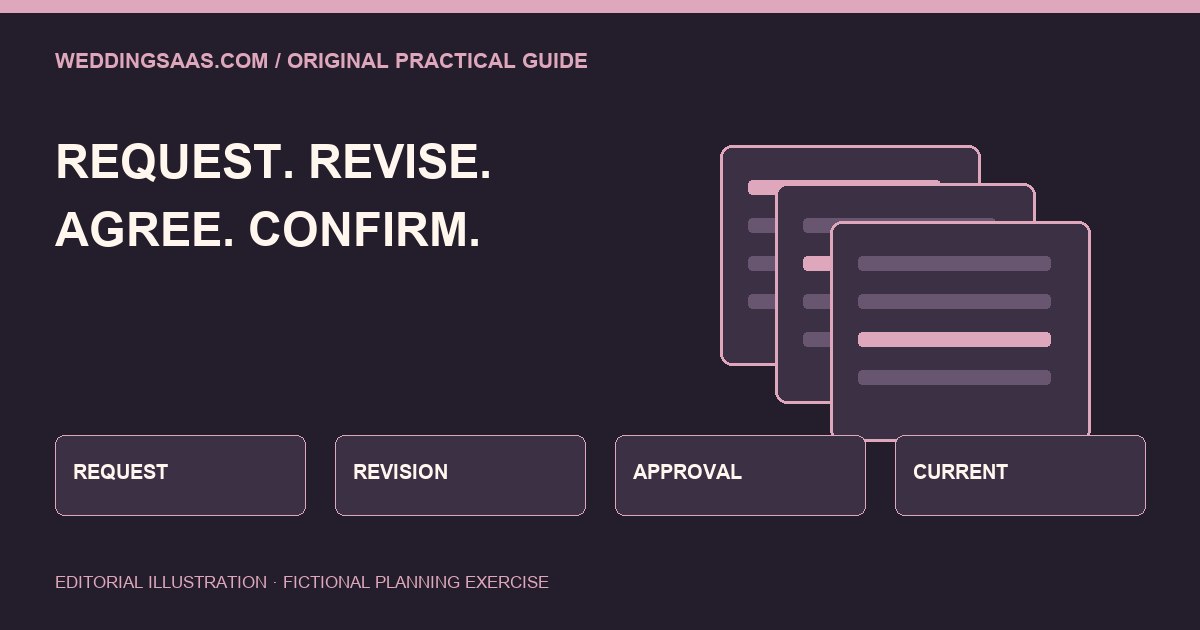
One practical approach is to attach a short list of review triggers to a camera assignment. A changed subject position, changed room or changed format requirement should prompt a human check. This is a proposed workflow pattern, not evidence of a current WeddingSaaS product feature. It borrows the ordinary discipline of managing dependencies: when a condition supporting a decision changes, the decision deserves review.
The exception should land with someone who can act. Sending the same alert to everybody creates noise without responsibility. A producer might own pre-event changes, while a designated filmmaker owns decisions during the ceremony. If that person is occupied, the plan needs a simple fallback rather than an escalating stream of notifications. The goal is a clear handover that respects the crew's attention, especially when looking at a phone would itself interrupt coverage.
Keep audio responsibility visible
A moving crop can make a fixed image appear more attentive. It does not establish that the spoken words are being captured clearly. Software that places camera automation beside a speech in the timeline should retain an independent audio responsibility. The person checking the picture may also check sound, but that assignment needs to be deliberate. Otherwise the team can mistake visual sophistication for a complete recording plan.
An event record could distinguish the speaking position, intended audio source, person conducting a check and material expected by the editor. Those are planning recommendations rather than technical promises about any microphone or venue system. A studio should establish its own appropriate recording methods and permissions. The software's role is to help the people involved see the decision and confirm that it has been made.
The same distinction belongs in the client conversation. A couple asking for the speeches in full should receive an explanation of the actual deliverable and any relevant limitations. A highlight film with selected excerpts is a different product from a complete speech recording. Camera automation does not resolve that contractual difference. Keeping the requested output attached to the moment helps a studio avoid delivering an attractive montage when the client expected an uninterrupted record.
Measure the work saved without inventing a staffing claim
There is a plausible productivity benefit when automation removes a repetitive adjustment. There is no basis here for a universal claim that it replaces a second filmmaker or saves a fixed number of hours. Studios vary in venues, ceremonies, deliverables, experience and tolerance for an unattended angle. A useful business analysis begins with a bounded task and compares the actual result against the team's normal approach.
A studio could evaluate the feature in a rehearsal or other repeatable exercise before assigning it to an irreplaceable moment. Record the setup time, interventions, usable material and review work. Include failed attempts and the time needed to recover them. These are suggested evaluation categories, not results from a test conducted by WeddingSaaS. Publishing a percentage saving without such evidence would make a persuasive chart out of an assumption.
Software can help preserve those observations across jobs, provided that it does not turn a small sample into a guarantee. A note saying that a configuration worked in one rehearsal is valuable precisely because it keeps its context. A dashboard that converts the same note into a broad reliability score can conceal the limitations. Good product design lets teams learn from experience while retaining the difference between observed performance and a manufacturer's documented capability.
Give the editor a handover that explains intent
The editor needs to know more than which folder contains the additional camera. Was it intended as a primary speech angle, occasional cutaway or emergency backup? Are there known interruptions? Which sequence should be checked against another recording? A brief handover can prevent an editor from treating a technically attractive view as complete coverage when the production team intended a much narrower use.
Keep that handover close to the media record. A filename alone can become detached from the timeline, while a comment buried in a messaging thread may never reach the person making the final cut. The system should support a stable association between the event moment, relevant files and production notes. It should also allow corrections, with enough history to show which version the editor used.
This is where technology transferable from other industries becomes relevant to weddings. Version control, clear ownership and exception handling are ordinary coordination ideas; they do not require an elaborate autonomous agent. The wedding-specific challenge is adapting them to a short, intense production day and emotionally important material. A useful tool reduces searching and uncertainty without asking filmmakers to become administrators while the event unfolds.
Put client expectations beside the workflow
The couple does not need a camera settings lecture to make an informed choice. They do need to understand who will attend, what moments are priorities and what they will receive. A studio can explain that a fixed camera may use automated framing while a filmmaker covers another view. It should then explain the human coverage plan in ordinary language and avoid implying that an additional angle means an additional person.
The planning record can support that conversation by separating client priorities from internal equipment choices. A parent reading a letter may be a high priority even if the crew changes its camera plan several times. The software should carry the priority forward. It should not require the couple to choose a technical solution or quietly remove the moment when an equipment recommendation is rejected.
Delivery review should return to those priorities. Check whether the promised sequence is present, whether the edit gives the agreed context and whether any known limitation needs explanation before the film is sent. Automated reframing can contribute useful material. It cannot decide whether the finished film feels faithful to the people who commissioned it. That judgment remains a conversation between the studio and its clients.
The product opportunity is accountable assistance
For a wedding technology founder, the strongest opportunity is to make assisted production easier to understand and supervise. Build around assignments, dependencies, exceptions and handovers. Let crews record what they actually verified. Keep product documentation current, and show when a camera-specific note was last checked. Avoid a sweeping autonomy claim when the real benefit is a well-defined task performed with less manual adjustment.
For a small studio, begin with one appropriate use case and one clear fallback. Keep the existing human coverage commitment intact while learning whether a tool improves it. Compare the usable result, the setup burden and the work passed to editing. If the feature adds complexity without helping the finished film, the workflow should make it easy to leave it out. Adoption is a production decision rather than a badge of modernity.
Our editorial view is that wedding software earns trust when it makes responsibility visible. A camera can be assigned a bounded visual task. A workflow can preserve the context around that task. People still decide what matters, respond when plans change and stand behind the delivered film. The useful future is an understandable chain from the couple's priorities to the crew's actions and the editor's final review.
References
- Sony FX2 Auto Framing Settings: primary documentation for the feature and its output choices. Checked November 11, 2026. Sony FX2 Help Guide
- Sony announced the FX2 on May 28, 2025. Used to establish product chronology; this article is current workflow analysis, not launch news. Sony FX2 announcement
- For couples: questions about human coverage, missed moments and the delivered wedding film. Weddings.io human coverage guide